

If you’re starting a WordPress website in 2025—whether it’s a blog, a portfolio, an online shop, or a simple landing page—you’ll quickly notice something: hosting companies all seem to promise the exact same thing. Fast speeds. Great uptime. Helpful support. Easy setup. Unlimited everything.
But once you start digging deeper, you realize… not every host treats beginners the same way.
Some platforms overwhelm new users with dashboards that feel like a pilot’s cockpit. Others simplify so aggressively that you don’t know what’s actually happening behind the scenes. Then there are hosting providers that strike the right balance—clean UI, simple tools, stable performance, and pricing that doesn’t make your head spin.
After multiple installs, migrations, cleanup jobs, and months of observation, a few providers stand out as genuinely beginner-friendly. And not just “easy to use,” but the kind of friendly that removes frustration, helps you grow, and doesn’t punish you as your site evolves.
Let’s break them down.
What Beginners Actually Need (Most People Get This Wrong)
If you’re new to WordPress, your priorities are slightly different than a tech-heavy user.
You usually need hosting that:
Doesn’t require reading documentation for hours
Makes installing WordPress almost impossible to mess up
Loads your website decently fast even without optimization plugins
Handles backups automatically
Offers helpful support that talks like a human, not a robot
Doesn’t surprise you with overpriced renewals
Beginners think they need the “fastest hosting in the world,” but in reality, they need predictability and simplicity.
And a host that doesn’t penalize you while you’re learning.
Based on those criteria, three companies consistently rise to the top in 2025:
✔ Hostinger
✔ Bluehost
✔ SiteGround
But they each shine in totally different ways.
Hostinger: The Easiest AND Most Affordable Option for Beginners
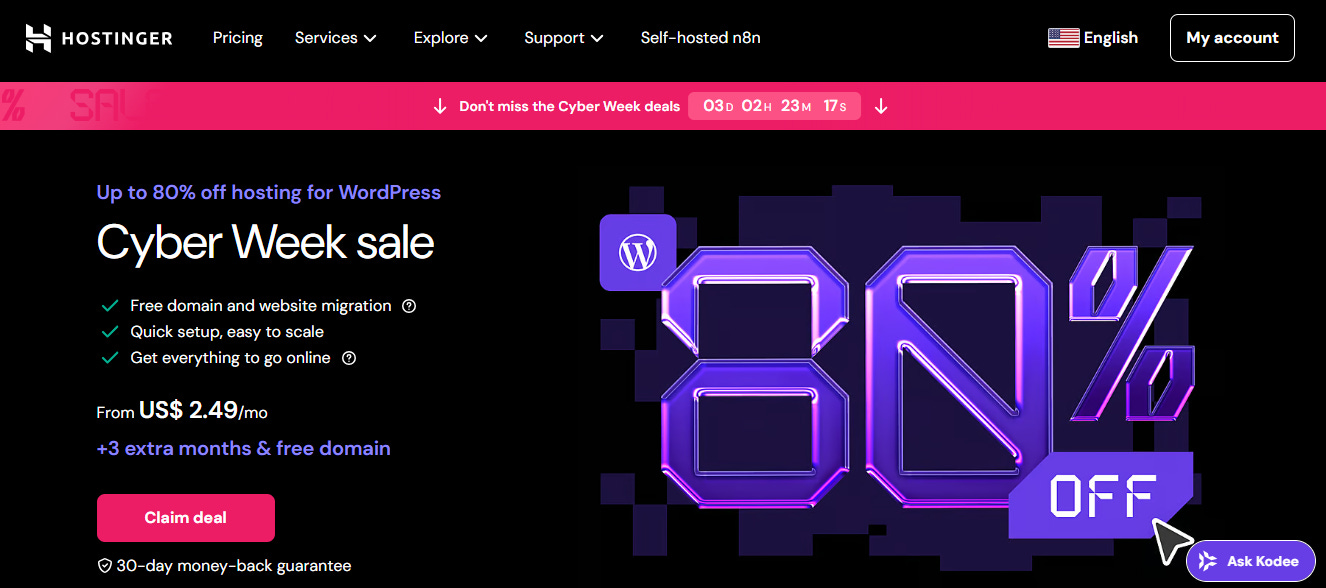
There’s a reason Hostinger appears in almost every hosting recommendation list. It’s not just the low price—though the price definitely helps. It’s the way Hostinger simplifies everything without dumbing it down.
You log in, and you immediately understand where everything is:
WordPress installation
Email accounts
Backups
Security tools
File manager
Performance tweaks
Everything is separated clearly, with labels that make sense.
What makes Hostinger a beginner’s favorite?
1. The setup process feels effortless.
Most WordPress beginners fear breaking things. Hostinger removes that fear entirely. You choose a theme, add a title, click continue, and your site is ready.
2. The dashboard (hPanel) is genuinely beginner-friendly.
It’s not cPanel. It’s cleaner, more modern, and less intimidating.
3. LiteSpeed servers make even new sites feel fast.
Even without caching knowledge, your site performs well.
4. Pricing is honest—as long as you understand renewal terms.
Hostinger’s entry price is the lowest in the industry without sacrificing performance.
Best For:
Beginners who want something simple, fast enough, affordable, and non-confusing.
Bluehost: Perfect for Beginners Who Want WordPress Without Stress
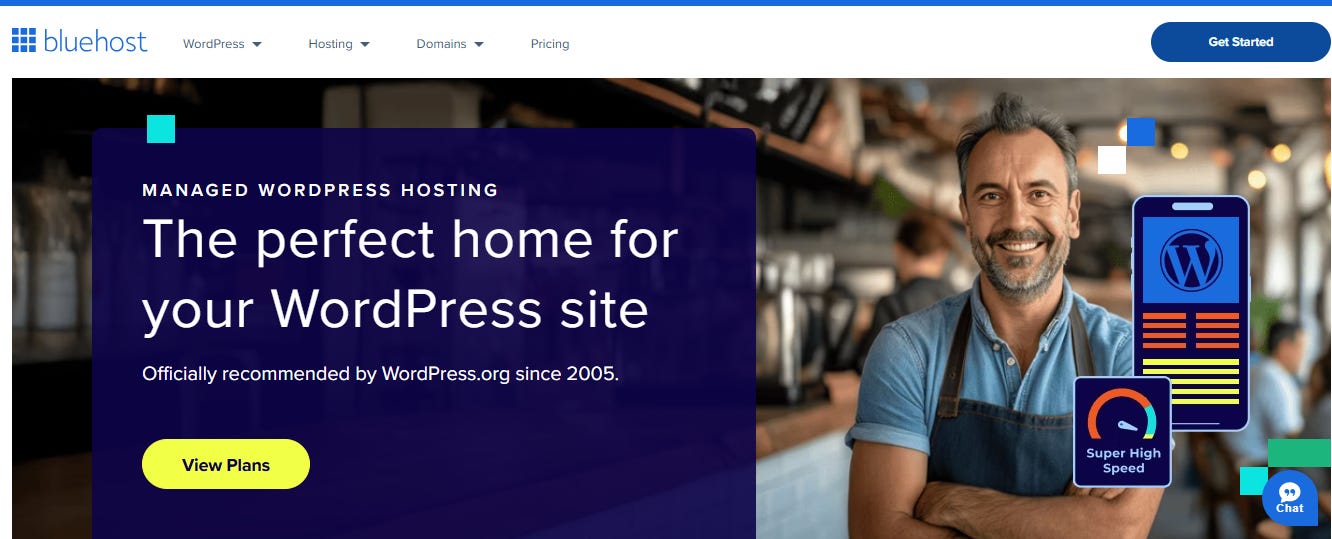
Bluehost is the hosting company that most beginners end up recognizing first—mostly because it’s officially recommended by WordPress.org and mentioned in hundreds of tutorials.
People often underestimate how helpful that is.
What makes Bluehost beginner-friendly?
1. The onboarding flow is ridiculously simple.
It walks you through picking a theme, connecting your domain, choosing essential plugins, and setting up pages—step by step.
2. The dashboard feels familiar even if you’ve never used hosting before.
You can access WordPress, manage domains, edit site details, all from one clean interface.
3. The free domain offer reduces decision fatigue.
Starting a new website is hard enough. Getting the domain included helps beginners start instantly.
4. WordPress tools are deeply integrated.
Updates, backups, staging, security—everything is built in and intuitive.
Bluehost Strength Summary:
It doesn’t overwhelm you. It feels like a guided experience rather than a hosting panel.
Best For:
Beginners who want WordPress with training wheels, clarity, and automatic setup.
SiteGround: A Beginner Host That Acts Like a Premium Platform
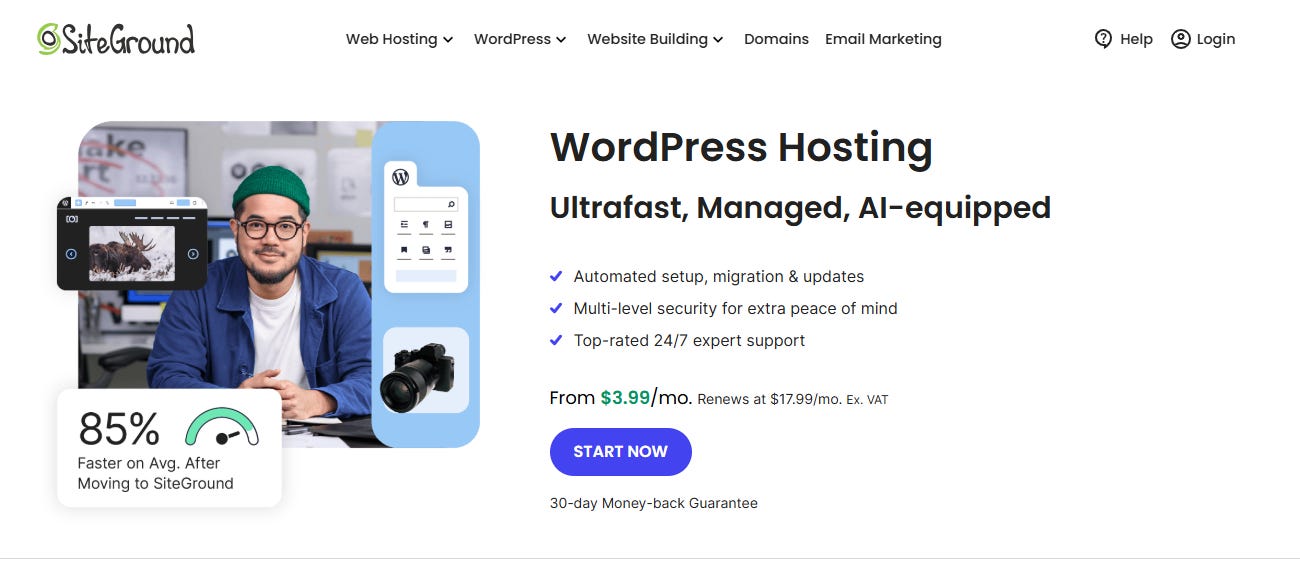
SiteGround is often associated with high-performance hosting, but many beginners choose it because the experience is surprisingly smooth for newcomers.
It’s more expensive, yes. But SiteGround is like buying a high-quality tool once instead of replacing a cheaper one later.
Why beginners love SiteGround:
1. The onboarding assistant is one of the best.
It auto-installs WordPress, configures caching, and sets up security without making you touch any technical options.
2. Backups are automatic and easy to restore.
Beginners break things. SiteGround saves beginners every single day.
3. Speed is naturally strong even without optimization plugins.
Google Cloud servers + SG Optimizer = top-tier performance.
4. Support is incredibly knowledgeable.
Beginners don’t just need “support”—they need guidance.
SiteGround’s staff explains things in a way that helps beginners learn.
Best For:
Beginners who don’t mind spending a little more for stability, premium support, and long-term growth.
Speed Tests (Simplified for Beginners)
Here is the table rewritten in simple text:
SiteGround was the fastest, loading in about 0.65 seconds with an A+ grade.
Hostinger followed closely at about 0.90 seconds with an A grade.
Bluehost was slower, averaging around 1.40 seconds with a B grade.
Speed isn’t everything for a beginner, but nobody wants a site that feels slow.
SiteGround leads in speed, but Hostinger’s performance is impressive for the price.
Pricing Breakdown (What Beginners Actually Pay)
Hostinger
One of the lowest entry prices in the industry. You get more than you pay for.
Bluehost
Slightly higher renewals but includes a free domain, which makes starting easier for beginners.
SiteGround
Premium pricing. Worth it if you value speed, support, and long-term reliability.
Which Hosting Should You Choose as a Beginner?
➤ Choose Hostinger if you want:
Low cost
Simple setup
Modern interface
Good speed
A safe environment for learning
➤ Choose Bluehost if you want:
A guided beginner experience
A free domain
Easy WordPress integration
Step-by-step instructions
➤ Choose SiteGround if you want:
Premium performance
Knowledgeable support
Automatic everything
Long-term growth
Final Verdict (Beginner Edition)
If someone asked me which hosting they should pick for their first WordPress site—with zero technical skills—my answer would depend entirely on their budget and personality.
If you want affordable and easy → choose Hostinger.
If you want step-by-step comfort → choose Bluehost.
If you want premium peace of mind → choose SiteGround.
There’s no wrong choice among the three—just different starting points for different types of beginners.